
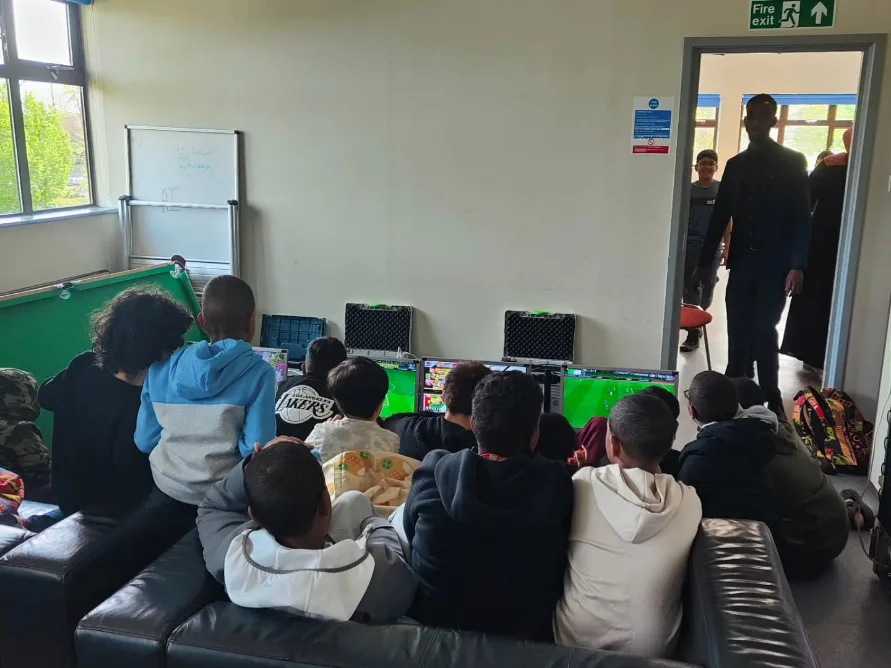
The short answer
How do you make a gaming party safer?
Choose games suitable for the guests, place equipment securely, keep cables and walkways controlled, protect account and payment information, explain behaviour rules and include comfortable breaks. For hosted events, share ages, venue conditions and any relevant needs with the provider before the day.
Home & Away Gaming’s wider operating approach is explained in our Safety & Quality Commitment.
01
Use age ratings and content information
PEGI age labels indicate the age for which a game’s content is considered suitable; they are not a measure of difficulty. Content descriptors explain why a rating was assigned, so check both before selecting games for a mixed group.
Check the current label and descriptors on the game or consult the official PEGI label guide. Parents or organisers should make the final decision for their group.
02
Create a stable, clear gaming area
Plan the room before equipment arrives. Screens, consoles and seating need stable positions, with enough space for guests and staff to move without crossing the active play area.
- Keep entrances, exits and normal walkways clear.
- Route and secure cables away from guest movement.
- Use suitable power points and avoid improvised connections.
- Keep drinks and food away from electrical equipment.
- Protect equipment from rain, damp surfaces and unstable outdoor conditions.
Venue access, power and space are also covered in the Party Planning Guide.
03
Set boundaries for online play and accounts
Online features can introduce communication, personal-data and spending risks. Decide whether online play is needed, use appropriate privacy settings and avoid displaying private account details to the group.
- Do not share real names, addresses, school details or passwords.
- Review voice chat and communication settings.
- Protect stored payment methods and restrict in-game purchases.
- Use parental controls where appropriate.
- Sign out of personal accounts after the event.
A suitable age rating does not remove the need to review communication, user-generated content and purchase features separately.
04
Give VR its own controlled play space
Virtual reality limits the player’s awareness of the room, so it requires a clear boundary and closer supervision than seated console gaming. Follow the equipment manufacturer’s current setup and age guidance.
- Clear furniture, cables and spectators from the play boundary.
- Help each participant fit and remove the headset.
- Keep turns manageable so the player remains comfortable.
- Stop immediately if a participant feels dizzy, unwell or disorientated.
- Clean shared contact surfaces between users.
05
Plan for sound, comfort and breaks
A party can be exciting without being relentless. Keep sound at a comfortable level, provide somewhere quieter when possible and allow guests to step away without pressure.
- Alternate longer sessions with short pauses or station changes.
- Make water and ordinary rest opportunities available.
- Use seating appropriate to the activity.
- Ask parents or organisers about relevant access or sensory needs.
- Never require a guest to use VR or join a competitive game.
06
Set expectations for positive group play
Clear rules prevent friendly competition from becoming disruptive. Explain turn-taking, respectful language, equipment care and what happens if somebody repeatedly ignores the boundaries.
Use short rounds, team formats and cooperative options so beginners are not pushed aside by more experienced players.
For rotations and tournament formats, continue to the Group Gaming Guide.
07
Complete the gaming safety checklist
- Guest ages and game ratings checked
- Content descriptors reviewed
- Stable equipment positions agreed
- Walkways and cables controlled
- Online communication settings reviewed
- Purchases and accounts protected
- VR boundary and supervision planned
- Breaks and behaviour expectations explained
Still unsure about a specific booking? Read the complete Gaming Party FAQ or contact the team before booking.